ORDERS OVER £95 ARE SHIPPED FREE

For sales and advice
0113 5220368
ORDERS OVER £95 ARE SHIPPED FREE
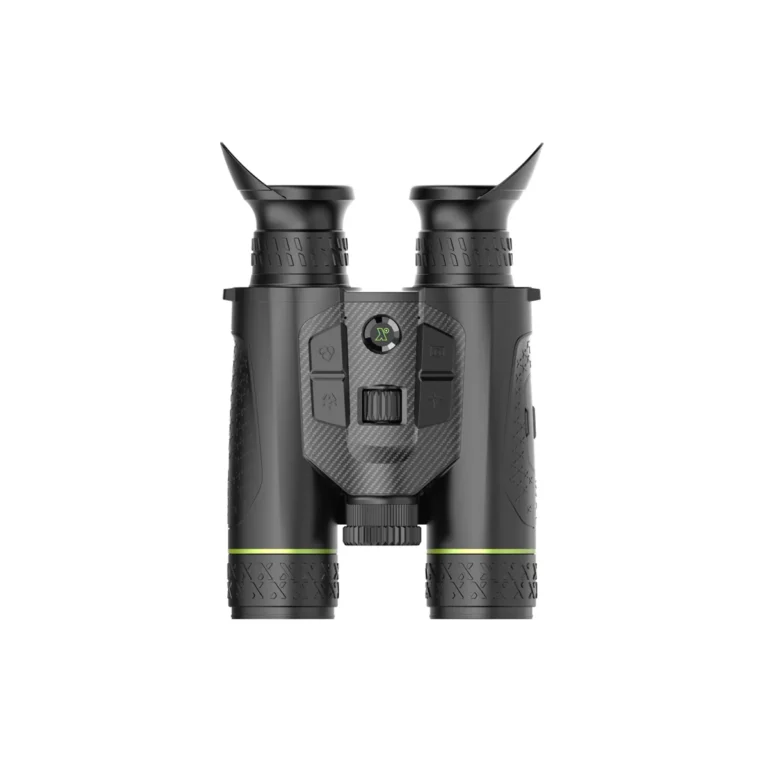
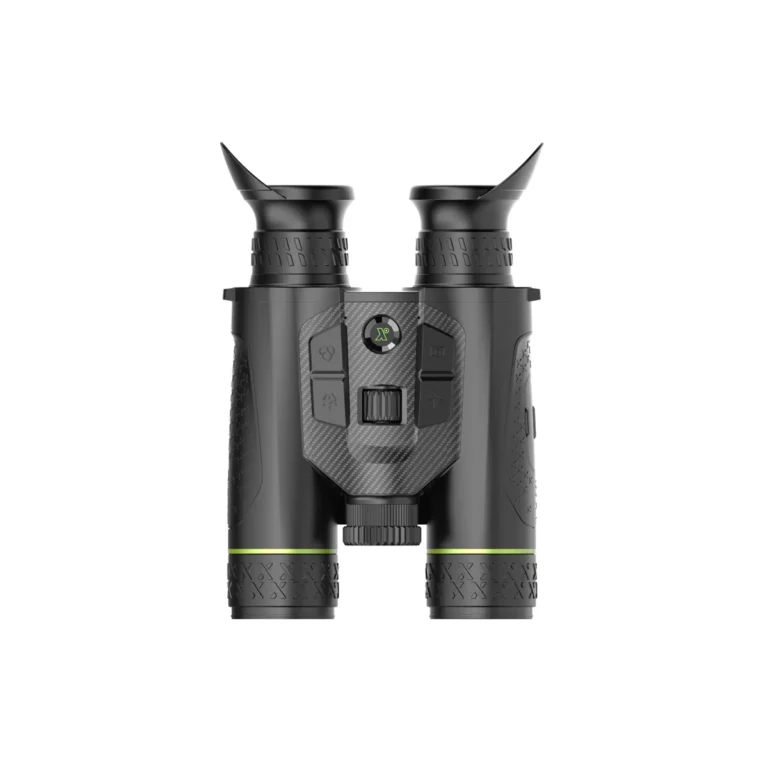
Pixfra Draco multi-spectral thermal binoculars combine thermal and low-light colour 4K sensors for exceptional clarity. They offer reliable long-range detection in all conditions. Built for outdoor performance, they deliver sharp imaging and advanced functionality.
The Pixfra Draco binoculars deliver exceptional multispectral observation by fusing thermal imaging and 4K optical day & night vision in a rugged, compact platform. Across the range, you’ll find combinations of thermal resolution, detection performance, and ergonomic design to suit hunters, wildlife observers, stalkers and outdoor professionals looking for all-condition capability.
| Model | Thermal Sensor | Optical / Day & Night | Detection Range | Laser Rangefinder | Best For |
|---|---|---|---|---|---|
| Pixfra Draco D225-4K LRF | 256×192 VOx | 4K Day & Night with IR | 1300m | Up to 1000m (Class 1) | Compact, entry-level multispectral use |
| Pixfra Draco D335-4K LRF | 384×288 VOx | 4K Day & Night with IR | 1800m | Up to 1000m (Class 1) | Higher magnification performance for longer range use, mid range resolution |
| Pixfra Draco D635-4K LRF | 640×512 VOx (35mm) | 4K Day & Night with IR | 1800m | Up to 1000m (Class 1) | Maximum detail, long-range clarity, with the increased field of view to cover every scenario |
The Pixfra Draco combines a high-performance 640×512 thermal sensor with a 35mm lens alongside a 4K optical day & night camera, allowing users to switch seamlessly between thermal detection and full-colour or low-light observation using IR illumination.
The 640 thermal sensor paired with a 35mm lens delivers an ideal balance of image detail and field of view, making it particularly well suited to wildlife observation and deer stalking, where clear detection and confident identification are essential.
To enable PIP you hold the LRF ranging button in for 1 second and the PIP should activate. To disable PIP press the LRF ranging button twice in quick succession.
Whilst PIP mode is activated, hold down the LRF ranging button for 1 second to split the view between optical and thermal channels, this shows one image view in the main display and the other in the PIP box, so you can detect and identify quickly.
Holding down the LRF ranging button again for a further 1 second will swap the PIP box to optical or thermal depending on the main viewing mode selected.
If you have the PIP activated, the main view is locked into the channel you have activated, so when you cycle through views, for example in thermal view it will cycle through colour palettes not optical channels..
Removing the PIP box with a double press of the LRF ranging box, will then allow cycling through all optical and thermal channels in the main view screen.
Also individual palettes can be disabled in the menu > function settings if not required to allow faster access.